Now on iPhone
Your world,
curated.
Save the cafés, trails, and tables you love. Build lists with people you trust. Discover the spots worth knowing.
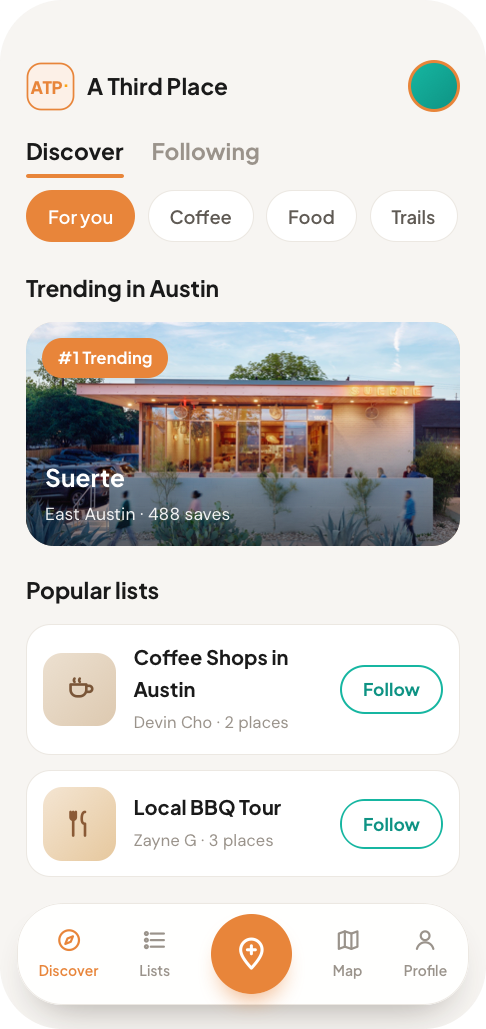
The anti-algorithm
The best places come from people, not feeds.
Your taste, mapped — the spots that matter, shared only with the circle you trust. No ads, no algorithms, no strangers ranking your neighborhood.
Collect
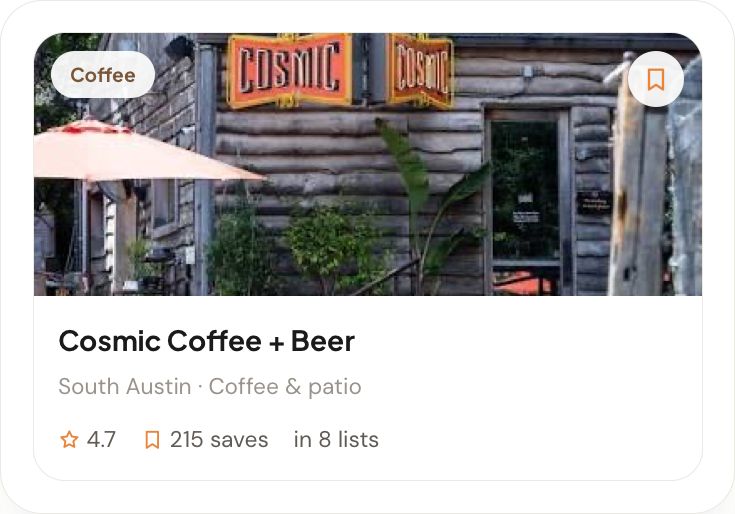
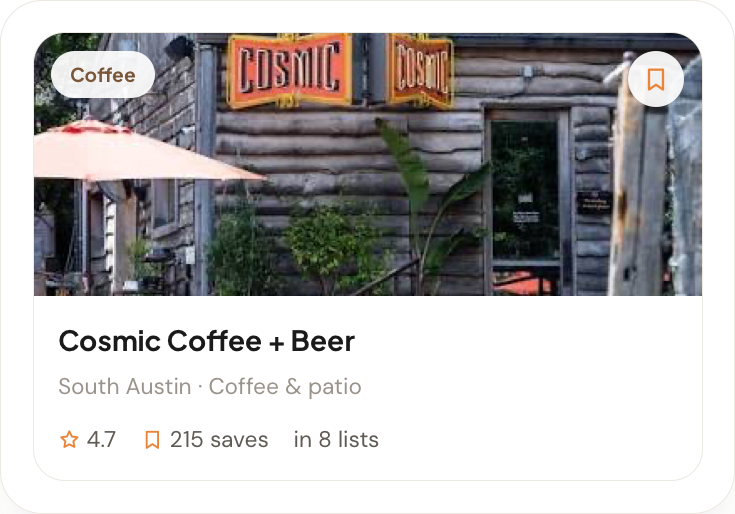
Save the places that matter.
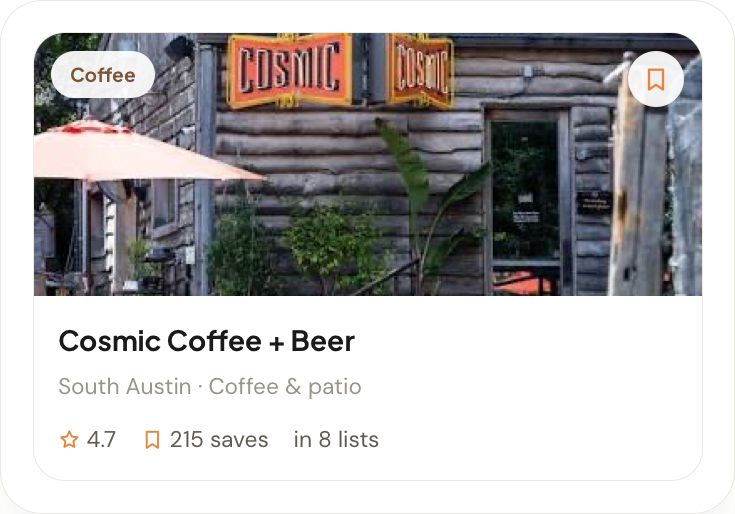
One tap to keep a café, a trailhead, a hole-in-the-wall taco spot — with a photo, a note, a rating. Never lose a "we should go there" again.
Curate
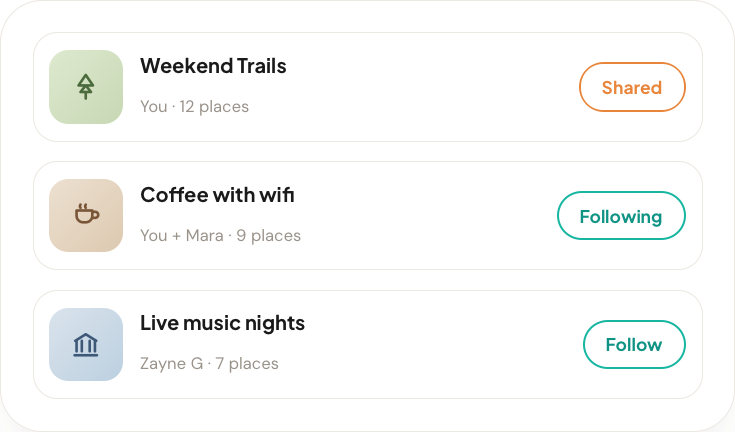
Build lists with the people you trust.
"Date-night dinners." "Coffee with wifi." Build lists solo or with friends — a shared collection that gets better with every spot.
Discover
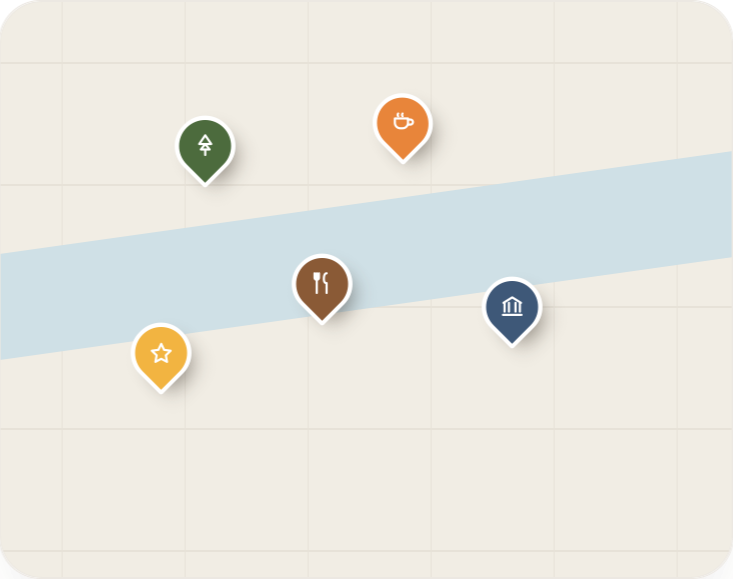
See it all on the map.
Your saves, your lists, and your circle’s favorites on one map. Filter, find what’s near you, then never wonder where to go again.
How it works
Three taps to your better map.
Save a place
Search anywhere, drop it on your map, and tag it your way.
Build a list
Group your spots and invite the friends who get it.
Follow your people
See what your trusted circle is loving, right now.
Earn your stripes
A little reward for great taste.
Collect badges as you explore, curate, and grow your circle.
Questions
Everything you might ask.
What is A Third Place?
A Third Place is a free iPhone app for saving the places you love and deciding where to go with people you trust. You collect cafes, restaurants, bars and trails into lists, share those lists with friends, and vote together on where to actually go. It is built around personal taste and recommendations from people you know, not anonymous reviews or an algorithmic feed.
How is A Third Place different from Google Maps or Yelp?
Google Maps and Yelp rank places using reviews from strangers. A Third Place shows you what specific people you trust have saved and recommended. There are no ads, no star-rating leaderboards and no algorithmic feed, so your map is built from your own taste and your friends' taste rather than from crowd averages.
Is A Third Place free?
Yes. A Third Place is free to download and use on iPhone. There is no subscription, there are no in-app purchases, and there are no ads.
How do you decide where to go with a group?
You start a plan and share one link with your group. Anyone with the link can add a spot and vote yes, maybe or no, and the list re-sorts itself as the votes come in. It is meant to replace the long group-chat thread where nobody ever commits.
Can I use A Third Place for travel, or only in my own city?
Both. Every list shows the city or cities its places are in, so a list called "Best Coffee" tells you where. You can search a city or a neighborhood and get lists that contain real spots there, which makes it useful for planning a trip as well as for a Tuesday night at home.
What kinds of places can I save?
Anywhere you would want to go back to, including cafes, restaurants, bars, trails, parks, shops and museums. You can add a photo, a note and a rating to any place, and places saved without a photo have one filled in automatically so your lists look right from the first tap.
Do I need an account to use A Third Place?
Yes. You can sign in with Apple or with an email address and a password. An account is what lets your lists sync across devices and lets friends collaborate on them, and you can permanently delete your account and everything in it from Settings at any time.
Can I share my lists with people who do not have the app?
Yes. A plan can be shared as a link that anyone can open in a browser, and any list or single place can be turned into a story image for Instagram or a group chat. The photos are filled in for you, so there is nothing to design.
Is there an Android version of A Third Place?
Not yet. A Third Place is currently available on iPhone only, through the App Store.
How do I find new places on A Third Place?
Discover shows lists near you first, and you can search by city, neighborhood or place name. Results include lists that contain matching places rather than only lists whose title matches, so searching a city surfaces the lists with real spots there. You can also follow people whose taste you trust and see what they save.
Your places. Your people. Your world, curated.